
Membership on your phone
Your digital ID card
Annual and Life members can add their VFW membership card to a mobile wallet in a few steps.
- 01
Sign in on your phone
Visit VFW.org from your smartphone, open the menu, and sign in to your member account.
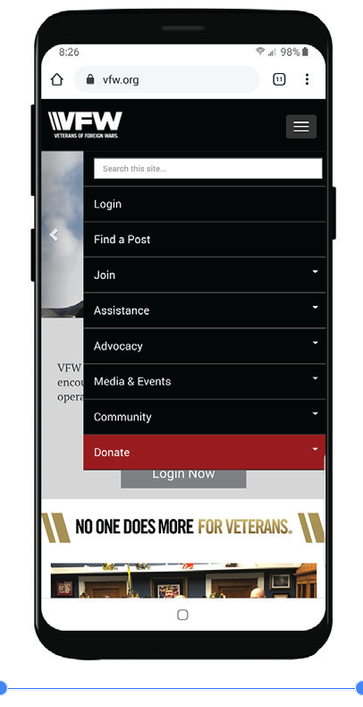
Open the menu and choose Login. - 02
Open My VFW
After signing in, open the My VFW member page.
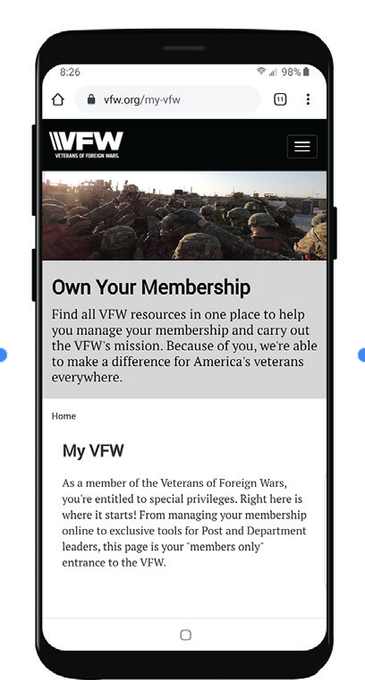
Open the My VFW member page. - 03
Add it to your wallet
Scroll to Get Your Digital Membership Card. On iPhone, choose Add to Apple Wallet. On Android, choose Add to WalletPasses.
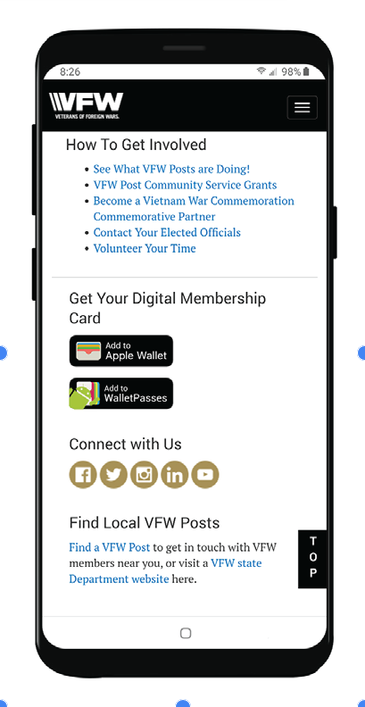
Choose the wallet option for your phone. - 04
Keep your card ready
Your digital membership card will be available from your phone when you need it.
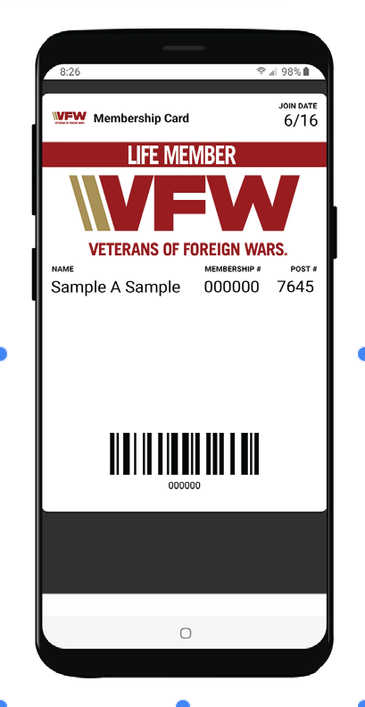
Your card is ready to carry on your phone.